
PMS & Channel Manager Setup
Property Management System & Channel Manager Setup, Done Right
A misconfigured channel manager is the quiet cause behind most double bookings, mismatched rates, and stale listing content. We set it up right the first time.
Have a live listing? Get a free listing audit.
What a Vacation Rental Channel Manager Actually Needs to Do
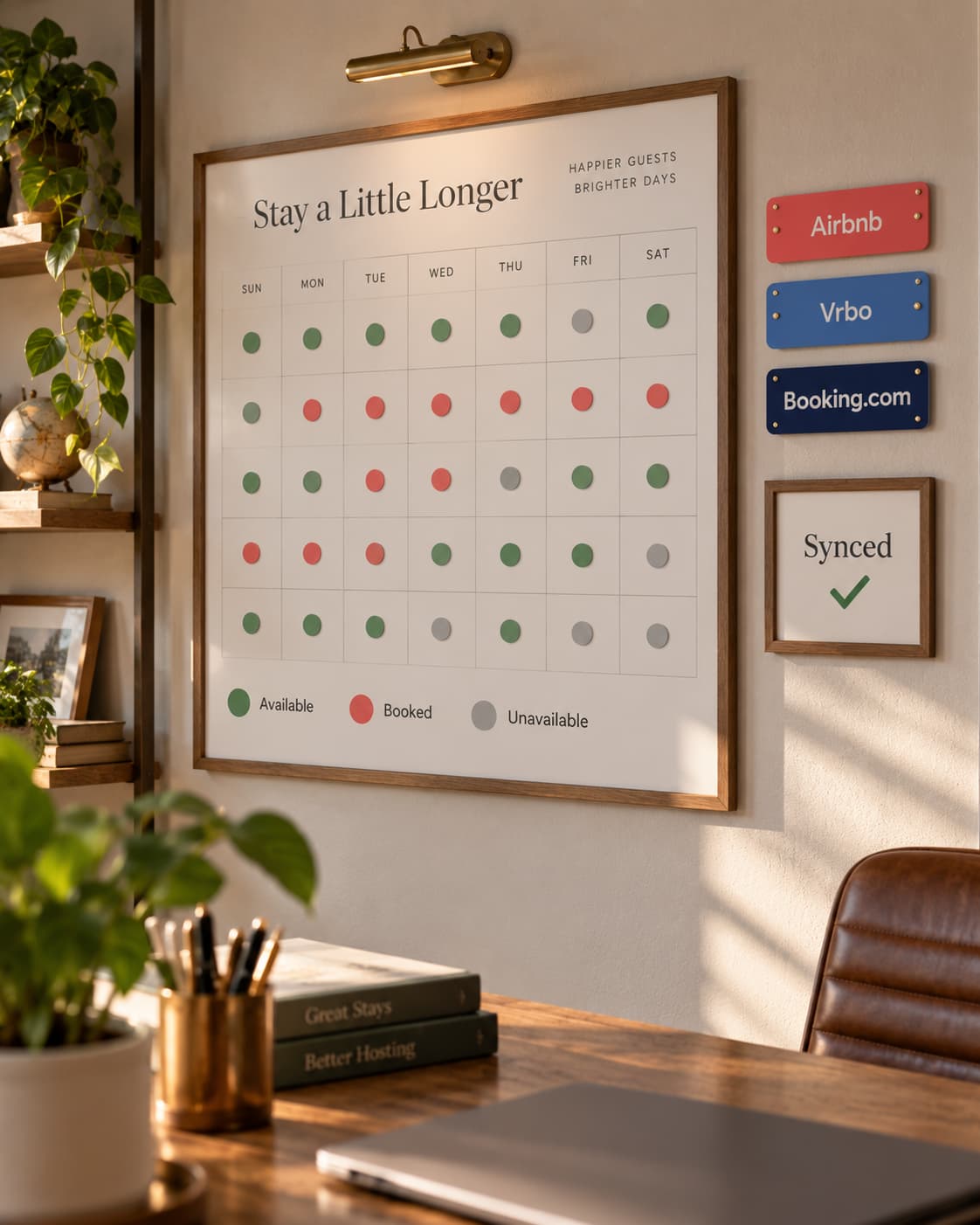
A property management system and channel manager exist to do one job well: keep your calendar, your rates, and your listing content identical across Airbnb, Vrbo, and Booking.com without you touching each one manually. When it's set up correctly, a booking on one platform instantly blocks the dates everywhere else, a rate change applies across the board, and your listing content stays consistent no matter where a guest finds you.
When it's set up wrong, or set up once and never revisited as your needs change, you get the failure modes every host eventually runs into: a double booking because sync lagged by a few hours, a rate that updated on Airbnb but not Vrbo, or amenity fields that were filled in during setup and never touched again as the property or the platforms changed.
What We Set Up
- Channel connections: Airbnb, Vrbo, and Booking.com synced to one central calendar, so a booking on one instantly blocks the dates everywhere else.
- Field mapping: making sure content and settings translate correctly across platforms instead of defaulting to whatever each platform assumes.
- Sync risk review: identifying the specific settings most likely to cause a double booking for your particular setup.
- Automation rules: the messaging, task, and pricing automation that a properly configured PMS makes possible.
- Turnover workflow setup: cleaner coordination, checklists, and automated notifications, so turnovers run on schedule without manual double-checking.
Where This Connects
Have one setup question rather than a whole project? You can book an hourly consultation and we'll work through it together.
Keep Exploring
- Hospitable Setup Set up by a host who runs his own homes on it.
- Airbnb Automation Guest messages, lock codes and review requests on autopilot.
- Pricing & Revenue Optimization Dynamic pricing in PriceLabs or Hospitable, tuned to your market.
- Get a Free Listing Audit A prioritized list of what to fix first on your listing.
- See Real Results Case studies with the dated numbers behind them.
- See Pricing Flat-fee starting prices for every service.
Tired of checking three calendars to make sure they match?
Have a live listing? Get a free listing audit.