

Most guest questions are the same ten questions, and most bad reviews start with a guest who didn't know something at the right moment. Good templates fix both. These are short, written to read well on a phone, and checked against Airbnb's, Vrbo's and Booking.com's current messaging rules.
How to use them
- Replace everything in [brackets] with your details, or with your PMS's placeholders.
- Keep them short. Guests skim on their phones.
- Answer the question first, and save any fine print for the end.
- Send everything through the platform's own messaging.
On this page (6 sections)
The rules your messages have to follow
Each platform polices messages differently. These are the rules that change what you can write.
Airbnb: keep it on Airbnb
No contact details, links or other ways to book, before or after booking. Extensions and guest count changes go through Airbnb's change request.
Airbnb: no new rules by message
From Nov 20, 2026You can remind guests of rules in your listing, but you can't add new rules or requests after booking, by message, sign or in person.
Airbnb: light checkout requests
From Nov 20, 2026No cleaner-type tasks like stripping beds, taking trash off-site or washing dishes. Gathering towels or leaving dishes in the sink is fine.
Airbnb: reviews and guest data
Don't ask guests to review the stay or fill out a survey anywhere else, and don't ask for personal details like an email or ID unless the law requires it.
Vrbo: response times
Critical questions need a reply within 1 hour on check-in day and during the stay (8am to 9pm). Vrbo says automatic replies don't count.
Booking.com: no guest phone numbers
Since Sep 28, 2026Booking.com no longer sends guest phone numbers to property management software, so send door codes and instructions in Booking.com messaging, not by text.
Before the stay
Reply to an inquiry
When someone asks a question before booking
Hi [first name], thanks for reaching out. [Answer the question in one or two sentences.] Your dates are open, and you can book right here whenever you're ready. If anything else would help you decide, just ask.
Booking confirmation
Right after a booking comes in
Hi [first name], you're booked at [property name] for [check-in date] to [checkout date]. Thanks for choosing us. Please read through the house rules before you travel. I'll send your check-in details and door code here [when they'll arrive]. If anything comes up while you plan, message me here.
Check-in details
The day before check-in
Hi [first name], here's everything for tomorrow. Address: [address] Check-in: [check-in time] or later Parking: [parking details] Entry: [how to get in] Wi-Fi: [network] / [password] Safe travels, and message me here if anything comes up on the way.
On Vrbo, say in the confirmation when check-in details will arrive. Guests must be told when and how they'll receive access instructions, at least 72 hours before check-in for bookings made 5 or more days ahead.
During the stay
First-morning check-in
The morning after arrival
Good morning [first name], how's everything at the house so far? If something isn't working or you're missing anything, tell me and I'll take care of it.
Something's broken
When a guest reports a problem
Thanks for letting me know, and sorry about that. [Restate the issue in a few words.] [Name] can be there [time window] to take care of it. In the meantime, [quick workaround]. I'll check in once it's fixed.
Early check-in request
When a guest asks to arrive early
I'll check whether the house can be ready early and let you know here as soon as I hear back. If it can't, check-in stays at [check-in time].
Before you promise anything
- Confirm an early check-in only after your cleaner says the house is ready.
- Don't commit to a refund in writing until you've checked the problem yourself.
- Never offer money or a discount in exchange for a good review.
- Write every exception, like an extra guest or a pet, in the platform thread so it's on record.
Checkout and after
Checkout reminder
The evening before checkout
Hi [first name], checkout is at [checkout time] tomorrow. Before you head out, please [one or two light requests from your listing, like gathering used towels] and lock the door behind you. Thanks for staying with us, and safe travels.
Review request
A few days after checkout
Hi [first name], thank you for choosing [property name]. We loved having you, and the door's always open for a return trip. If you have a minute, a review would mean a lot to a small host like us. Safe travels.
The review request works on every channel because it doesn't name the platform or mention leaving the guest a review, which hosts can't do on Booking.com or for direct bookings.
Setting them up to send themselves
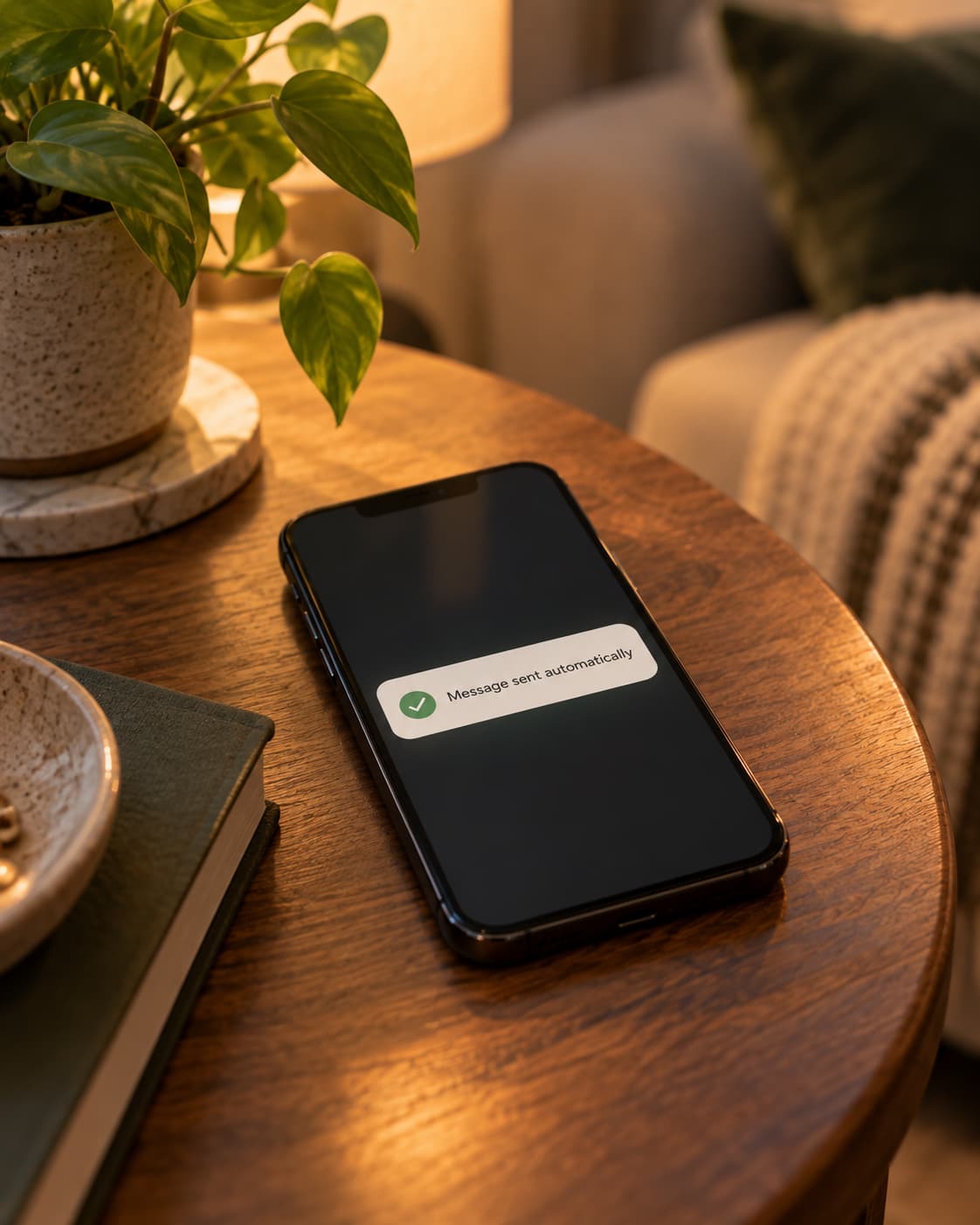
These are the messages hosts send most. A full sequence for a real property has more, timed around its check-in, its channels and its own house details. Templates save the most time when they send on their own. In a property management system like Hospitable, each one becomes a scheduled message that goes out at the right moment on every channel. A few things make the difference between automation that feels personal and automation that feels like a robot:
- One version per channel where the rules differ, so an Airbnb guest never gets a message written for a direct booking.
- Test the placeholders on a real reservation before you rely on them. An empty door code line is worse than no message.
- Skip pre-arrival messages for last-minute bookings, so guests don't get a "4 days to go" note on the day they book.
- Let AI draft replies only from your own house information, and keep anything involving money for yourself.
See our Hospitable review for how this works day to day, or Airbnb Automation if you'd like us to set it up.
Quick answers
Can I automate Airbnb messages?
Yes. Airbnb has scheduled messages and quick replies built in, and property management software like Hospitable can send a full message sequence across Airbnb, Vrbo and Booking.com from one place. Automate the timing, but keep the wording personal and check that every placeholder fills in correctly.
When should I send check-in instructions?
The day before check-in works for most homes, with the door code on arrival day. On Vrbo, you also have to tell guests when and how they'll get access instructions: at least 72 hours before check-in for bookings made 5 or more days ahead.
Can I ask guests for a review?
You can ask for a review. Don't offer anything in return, don't tell guests what rating to leave, and on Airbnb don't ask them to review the stay or fill out a survey anywhere else.
Can I add new rules in a message after someone books?
Not on Airbnb for bookings made from November 20, 2026. You can remind guests of rules already in your listing, but new rules or requests can't be added by message, sign or in person.

About the author
Lashan Wanigatunga
Airbnb Superhost who runs his own Wisconsin Dells rentals and helps other hosts with listing optimization, pricing and automation on Airbnb, Vrbo and Booking.com.

Sources
Checked October 2026. Prices and features change, so confirm on each company's site.
- Airbnb: off-platform and fee transparency policy
- Airbnb: house rules and requests policy
- Airbnb: contracts, guest data and third-party apps
- Expedia Group: host communication policy (Vrbo)
- Expedia Group: offline booking policy (Vrbo)
- Booking.com: connectivity changelog (guest phone numbers)
- Hospitable: smart lock codes